

Series
Avatar Fire and Ash
HD•Kemo TV original listing
Preview
Explore entertainment options with Kemo TV. Discover available live channels, sports, movies, TV series, and compatible devices in one convenient place.
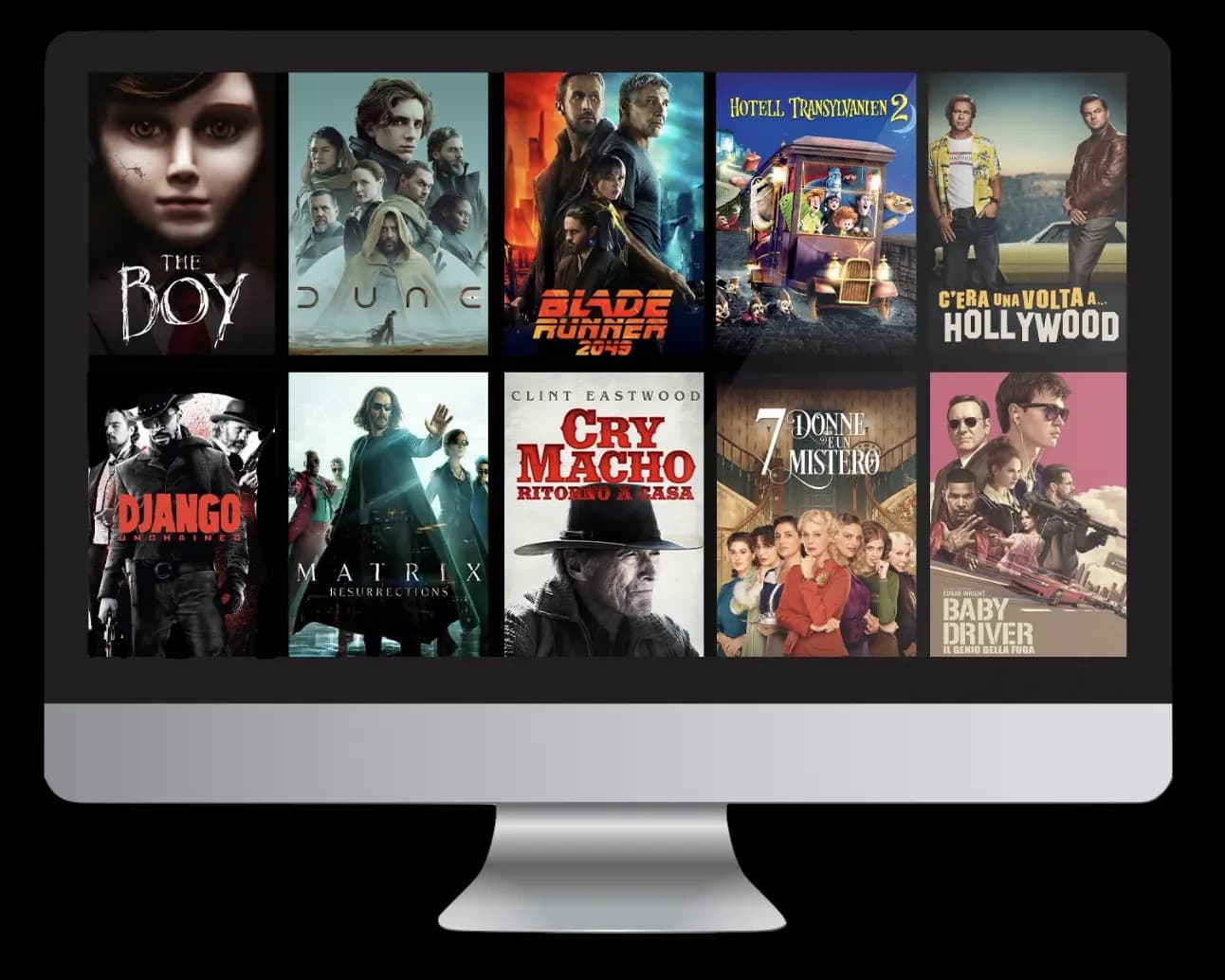
Discover the entertainment features, viewing options, and helpful tools available with Kemo TV.
Browse a clean, organized channel grid built to help you find something to watch quickly. Available channels depend on your plan and region.
An on-demand library you can explore by genre, search by title, or pick up where you left off — presented in a layout that stays out of your way.
A dedicated space for live sports makes it easy to catch games, events, and schedules. Sports coverage varies by region and licensing.
Kemo TV is designed to work across common household devices — phones, tablets, computers, and smart TVs. Confirm your exact model before setup.
A clear EPG shows what's on now and what's coming up, so you can plan around tonight's lineup without juggling multiple screens.
If something goes wrong, a reachable support path and clear setup guidance help you get back to watching with as little friction as possible.
No clutter, no guesswork. Kemo TV focuses on the things that genuinely make watching better — a layout that respects your attention, controls that stay out of the way, and a setup that doesn't demand a weekend.
Pick up where you left off on the device you have in hand, without digging through menus.
A calm, uncluttered layout that keeps the content front and center on every screen.
Designed to feel at home on phones, tablets, computers, and the big screen in your living room.
Finding something to watch should feel natural — not a scavenger hunt through nested menus.
Clear setup guidance and real answers to the questions people actually ask, when you need them.
No surprises, no detours. The onboarding path is intentionally short so you can get past the setup and into the content.
Start on the Kemo TV website, learn what the platform offers, and decide whether it fits the way you already watch.
Confirm that your device is supported and review the options published on the official Kemo TV pages before you commit.
Use the verified setup instructions for your device, sign in, and start exploring the content Kemo TV has to offer.
Start with the duration that works for you. Add more simultaneous connections if several people in your home will be watching at the same time.
1 connection · 1 Month
1 connection · 3 Months
1 connection · 6 Months
1 connection · 12 Months
Prices, channel counts, and uptime figures are indicative. Please confirm the current plan details on the official Kemo TV sign-up page before purchasing.
Below is the list of device families Kemo TV aims to serve. Confirm your specific model and firmware are supported before you set anything up — click any card to read a short setup guide.
A big-screen interface tuned for comfortable couch viewing.
Read setup guidePhones and tablets running recent Android versions.
Read setup guideDesigned to feel native on iOS and iPadOS.
Read setup guideFire TV sticks and set-top boxes for the living room.
Read setup guideA full-featured experience on macOS, Windows, and Linux.
Read setup guidePopular media players and set-top devices.
Read setup guideDevice compatibility can vary by model, firmware, and region. Please verify your exact setup on the official Kemo TV compatibility page before purchase.
A visual preview of the kind of content Kemo TV is designed to surface. Actual titles and availability depend on your plan and region.








Kemo TV plays nicely with the IPTV apps most people already have on their TVs, phones, and set-top boxes. Verify compatibility for your exact device and app version.



App names and icons are shown for reference only. All third-party trademarks belong to their respective owners.
Entertainment platforms often ask you to adapt to them. Kemo TV takes the opposite approach: a layout that is intuitive from the first visit, controls where you expect them, and copy that tells you what things actually do.
Content stays in focus; the chrome gets out of the way. The look is cinematic without ever feeling heavy.
No overclaiming. Features, device support, and setup instructions are presented plainly so you know what you are getting.
The experience is tuned to feel natural across the devices in your home, from your phone to the TV.
Clear onboarding, straightforward support, and sensible defaults — the small details that make a product easy to live with.
Short, straightforward answers to the questions that come up most often. If something is missing, reach out — real people are on the other end.
Kemo TV is an entertainment platform designed to make it simple to discover and enjoy video content across the devices you already use. The experience focuses on clarity, speed, and a modern interface that stays out of your way.
Kemo TV focuses on an easy-to-navigate interface, quick content discovery, and a layout that adapts cleanly from phone to large screen. Specific features that depend on your region or configuration should be confirmed on your account page or with the Kemo TV team.
The platform is designed to work on common household devices such as smart TVs, Android phones and tablets, iPhones and iPads, computers, and popular streaming boxes. For an up-to-date list of supported hardware and firmware versions, check the official compatibility information before setting up.
The quickest way is to look up your device model and operating system version on the official Kemo TV compatibility page, or to reach out to support with your device details. Confirming compatibility ahead of time avoids a frustrating first-run experience.
Setup is designed to be short: install or open the app on your device, follow the on-screen prompts, and sign in. If your device needs any extra configuration, the official setup guide will walk you through the exact steps for that platform.
Start with the help center and troubleshooting articles. If an issue persists, contact the Kemo TV support team with your device model, the version of the app you are using, and a short description of what you were doing when the issue appeared.
Review which features are included, confirm that your device is on the supported list, and make sure you understand the billing terms. Taking a few minutes to confirm these details is the best way to avoid surprises later.
Use the contact options published on the official Kemo TV website. Including a clear subject line, your device details, and any error messages you have seen helps the team respond faster and more accurately.
Take a look at the features, confirm your device is supported, and get started with a viewing experience that respects your time.