
Setup guides and device notes
Clear, practical, honest guides for getting Kemo TV running on the devices you already have — and the trade-offs that matter for each one.
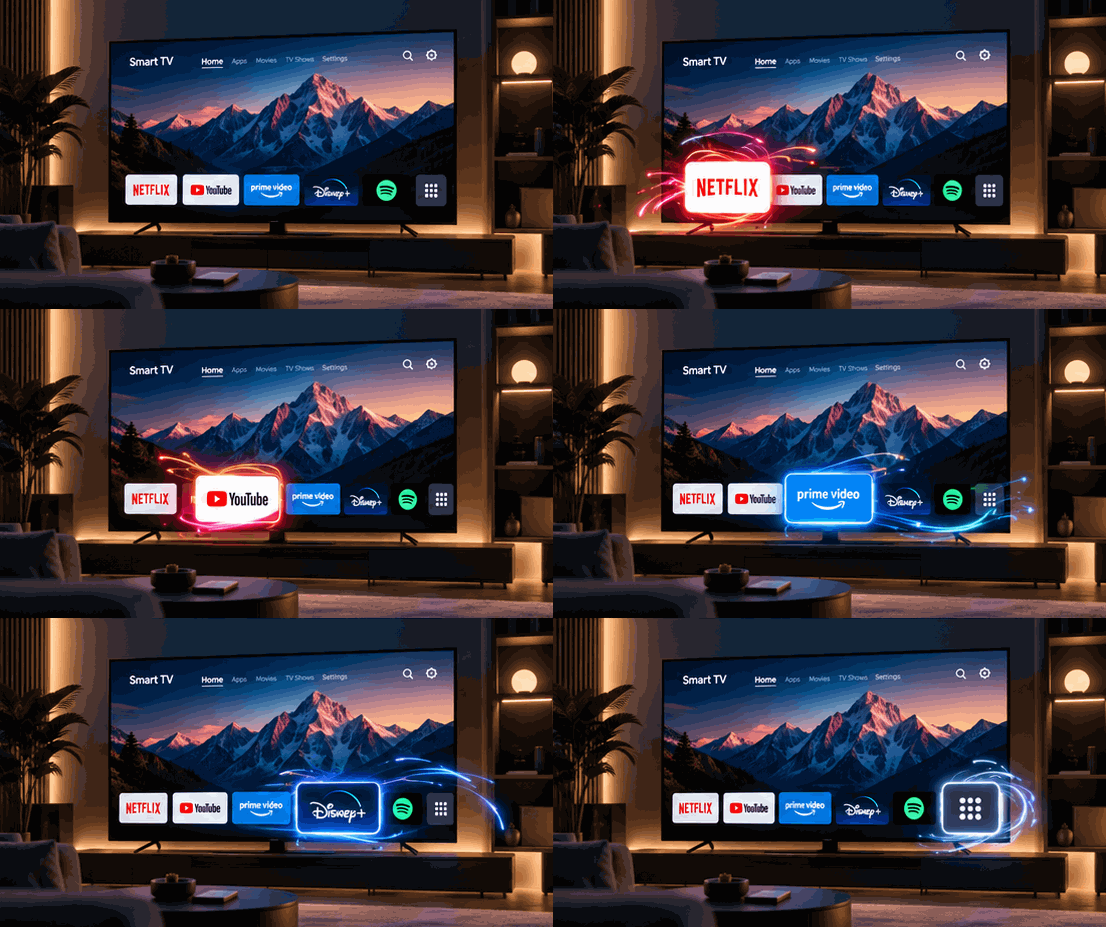
Kemo TV on Smart TVs: a straightforward setup guide
A practical walkthrough of installing Kemo TV on your Smart TV, with notes on firmware, remotes, and the small comforts that make a big-screen viewing experience feel right at home.
 Supported Devices·7 min read
Kemo TV on Android phones and tablets: the full setup
A detailed walk-through of the Android experience — one-handed layouts, portrait and landscape, background playback, and the system features that make video apps feel at home.
Read article Supported Devices·6 min read
Kemo TV on iPhone and iPad: a complete setup and usage guide
The iOS and iPadOS experience in detail — native gestures, Dynamic Type, Split View on iPad, AirPlay to the big screen, and the small design decisions that make Kemo TV feel at home on Apple hardware.
Read article Supported Devices·7 min read
Kemo TV on Amazon Fire TV: the complete setup walkthrough
Everything you need to install, configure and run Kemo TV on Fire TV sticks and set-top boxes — from the install flow to remote behaviour, voice search and the usual troubleshooting gotchas.
Read article Supported Devices·6 min read
Kemo TV on macOS, Windows and Linux: the desktop guide
The desktop experience: a familiar menu bar, keyboard shortcuts that match the OS you're on, multi-monitor behaviour, and what to configure if the app is going to run alongside your work.
Read article Supported Devices·7 min read
Kemo TV on media players and streaming boxes: a buyer's and setup guide
What to look for in a streaming box, which hardware specs actually matter, and how Kemo TV fits onto popular media players without feeling bolted on.
Read article